









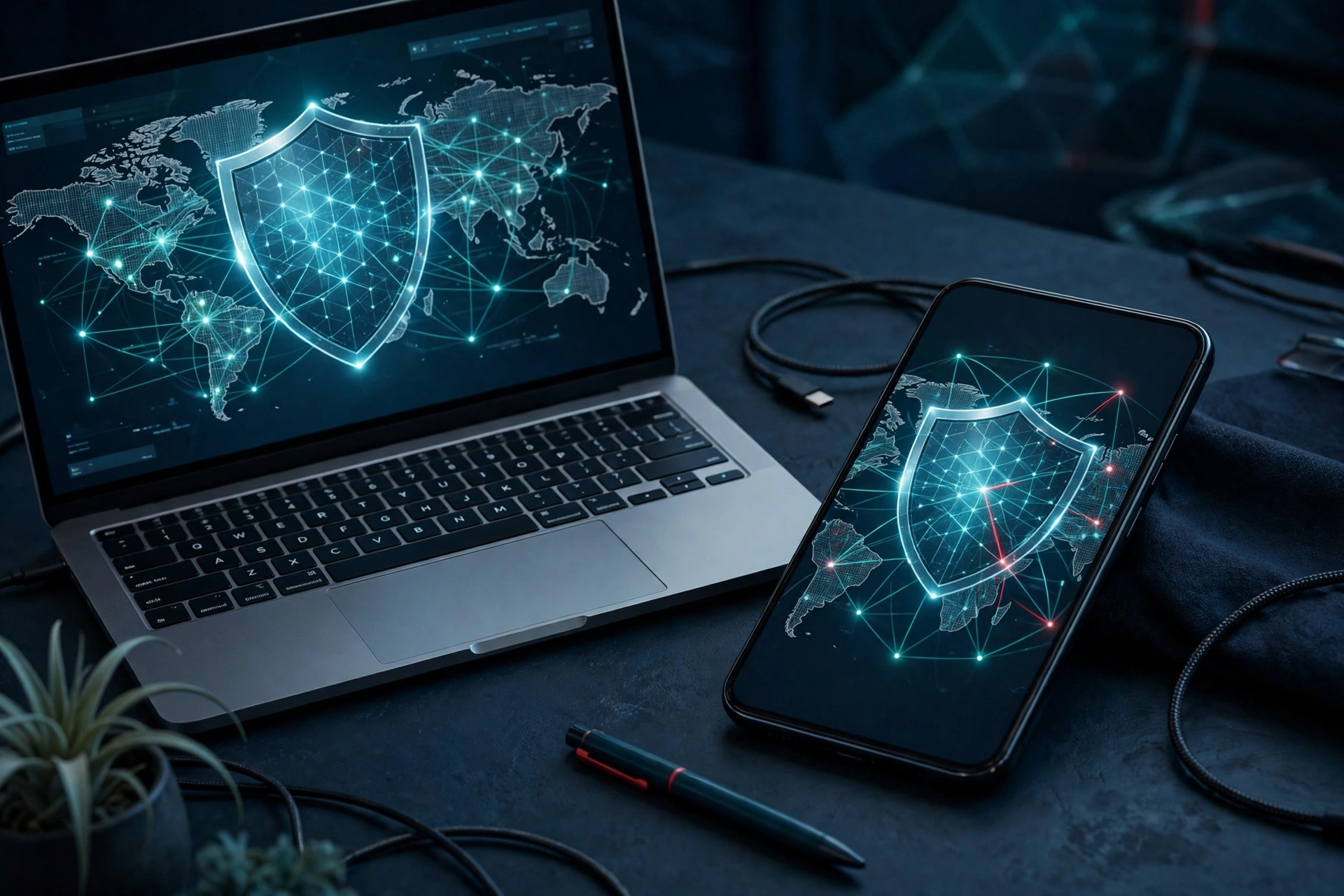
A virtual private network, or VPN, is a service that encrypts your internet connection and routes it through a remote server before it reaches the website or app you are using. That detour hides your real IP address, scrambles your data so other people on the same network cannot read it, and makes it much harder for your internet provider, advertisers, or strangers on public Wi-Fi to see what you do online. A VPN does not make you invisible, but it is one of the most practical privacy tools an ordinary internet user can adopt, and it takes only a few minutes to set up.
How a VPN Works
Normally, when you visit a website, your request travels directly from your device to your internet service provider (ISP) and then to the site. Your ISP can see which sites you visit, and anyone sharing your Wi-Fi network may be able to intercept unencrypted traffic. A VPN changes that route. When you switch it on, your device first connects to a VPN server run by the VPN company. All of your traffic is encrypted before it leaves your device, sent through a secure tunnel to that server, and only then forwarded to the website. The website sees the VPN server’s IP address, not yours, and your ISP sees only encrypted traffic heading to the VPN server.
Think of it like sending a letter in a sealed, unmarked envelope through a trusted courier instead of handing a postcard to a stranger. The courier knows where the letter came from, but nobody along the way can read it, and the recipient sees the courier’s return address rather than yours. That is why the trustworthiness of the VPN provider matters so much: the provider itself can see your traffic, so you are shifting trust from your ISP to the VPN company.
What a VPN Actually Protects You From
A VPN is genuinely useful against several real risks. On public Wi-Fi in a cafe, airport, or hotel, it stops other people on the same network from snooping on your browsing or stealing login details from unencrypted connections. It prevents your ISP from building a detailed record of the sites you visit and selling or sharing that browsing history. It hides your real location from websites and advertisers, which reduces location-based tracking and price differences based on where you appear to be. For people who work remotely, a VPN is often how a company lets staff reach internal systems safely from home or while travelling.
A VPN can also help you reach content that is only available in another country, such as a streaming catalogue or a news site, by making it look as though you are browsing from that country. That is a popular use, but it is worth remembering that some services actively block VPN connections, and using one to bypass a service’s rules can violate its terms of use.
What a VPN Does Not Do
A VPN is not a magic shield, and believing otherwise is the most common misunderstanding about it. It does not protect you from malware: a malicious file you download is still malicious, encrypted tunnel or not. It does not stop phishing, and it does not make you anonymous. Your VPN provider can see your traffic, and the websites you log into still know exactly who you are through your account. A VPN also does not hide you from law enforcement with a court order, and it does nothing about the trackers and cookies that websites place in your browser. For complete protection you still need the basics: strong, unique passwords, two-factor authentication, and up-to-date software. A VPN is one layer of security, not a replacement for the others — the same layered thinking applies to protecting your home network and the devices connected to it.
When Should You Use a VPN?
You do not need a VPN running every second of the day, but there are situations where switching it on is clearly worth it. Use one whenever you connect to public Wi-Fi, when you are travelling and using hotel or airport networks, when you are handling sensitive work such as banking or company email outside your home, and when you want to keep your browsing private from your internet provider. Many people also leave a VPN on at home simply because they prefer that their ISP cannot log every site they visit. If your employer provides a VPN, use it for all work activity, because it is usually the only approved way to reach company systems from outside the office. If you run a small business, a VPN is one layer of a wider security setup — and the same care you put into protecting your data should go into what sets your business apart from competitors.
How to Choose a VPN Service
There are hundreds of VPN services, and the differences between them matter. Start with the logging policy: a trustworthy VPN has a clear, independently audited no-logs policy, which means it does not record your browsing activity. Look at where the company is based, because local laws affect what data it can be forced to hand over. Check that it offers modern encryption (OpenVPN or WireGuard protocols), a kill switch that cuts your internet if the VPN drops, and apps for every device you own. Speed matters too — a good VPN slows your connection only slightly, while a poor one makes streaming and video calls frustrating. Finally, be wary of completely free VPNs: running servers costs money, and a free service usually pays for it by logging and selling your data or showing ads, which defeats the purpose. A modest paid subscription from a reputable provider is almost always the better choice.
Common Mistakes People Make With VPNs
The most common mistake is assuming a VPN makes you anonymous and then behaving carelessly, such as logging into personal accounts and expecting no one to know who you are. Another is choosing a VPN purely on price and ending up with a provider that logs traffic or injects ads. Many people forget the kill switch, so a brief VPN dropout silently exposes their real IP address. Others install a VPN and never update it, leaving known security flaws unpatched. A subtler mistake is using a VPN to access accounts such as online banking from a foreign server, which can trigger fraud alerts and lock you out. And some users run two VPNs at once, which usually slows everything to a crawl without adding real protection.
Frequently Asked Questions
Is using a VPN legal?
In most countries, including the United States, the United Kingdom, Canada, and most of Europe, using a VPN is completely legal. A few countries restrict or ban VPN use, so check local law before travelling with one.
Does a VPN slow down my internet?
A little. Encryption and routing through a server add some overhead, but a good VPN typically costs you only a small percentage of your speed. Choosing a server close to you keeps the slowdown minimal.
Can a VPN protect me on public Wi-Fi?
Yes — that is one of its best uses. A VPN encrypts your traffic, so other people on the same public network cannot read what you send or steal your login details.
Do I still need antivirus if I use a VPN?
Yes. A VPN encrypts your connection, but it does not scan files or block malware. You still need antivirus software and sensible habits such as not opening suspicious attachments.
Can my internet provider see that I use a VPN?
Yes, your ISP can see that you are connected to a VPN server, but it cannot see which websites you visit or what you do there, because that traffic is encrypted.
Should I use a free VPN?
Usually not for anything important. Free VPNs often have slow speeds, data caps, and, most importantly, unclear logging policies. If privacy is the goal, a reputable paid VPN is the safer option.
Will a VPN let me watch shows from other countries?
Often, yes, by connecting to a server in the country whose catalogue you want. However, many streaming services detect and block VPN servers, so it does not always work, and it may breach the service’s terms.
One thought on “What Is a VPN and How Does It Protect Your Privacy Online?”